0:00Do you need addons to heal in WoW Forever?
Yo what up so many of you have asked in my previous video especially about the healing like what addons do I use for healing and all that you know what do I recommend in fact is I use no addons and I never have like the only actual addons that I use to play this game is
0:15The only addons I use: Questie, AtlasLoot, Details!
Questie and AtlasLoot so I don't want to sit here and pretend I know what I'm talking about when I've been playing this game for like 20 something years and I've never used any addon like besides those two maybe Details to manage my dps and my threat right so no I'm not gonna tell you about addons but I am gonna tell you about my key binds and maybe mention one thing that I downloaded on CurseForge right as as I was gonna make this video because I was like okay maybe let's let's
0:40HealerProtection addon: auto aggro and mana warnings
Do some research let's check out some addons there's this thing called HealerProtection and I've seen people use this it automatically says shit in chat like when you're attacked it says in chat in your group hey I gotta go take it off me if you're out of mana it says healer mana and gives a percentage for example 7% you know so that's something that okay I actually did download I'm gonna give it a shot but other than that yeah no no addons for me but I do have a very specific
1:07Keybind rule: everything within reach of WASD
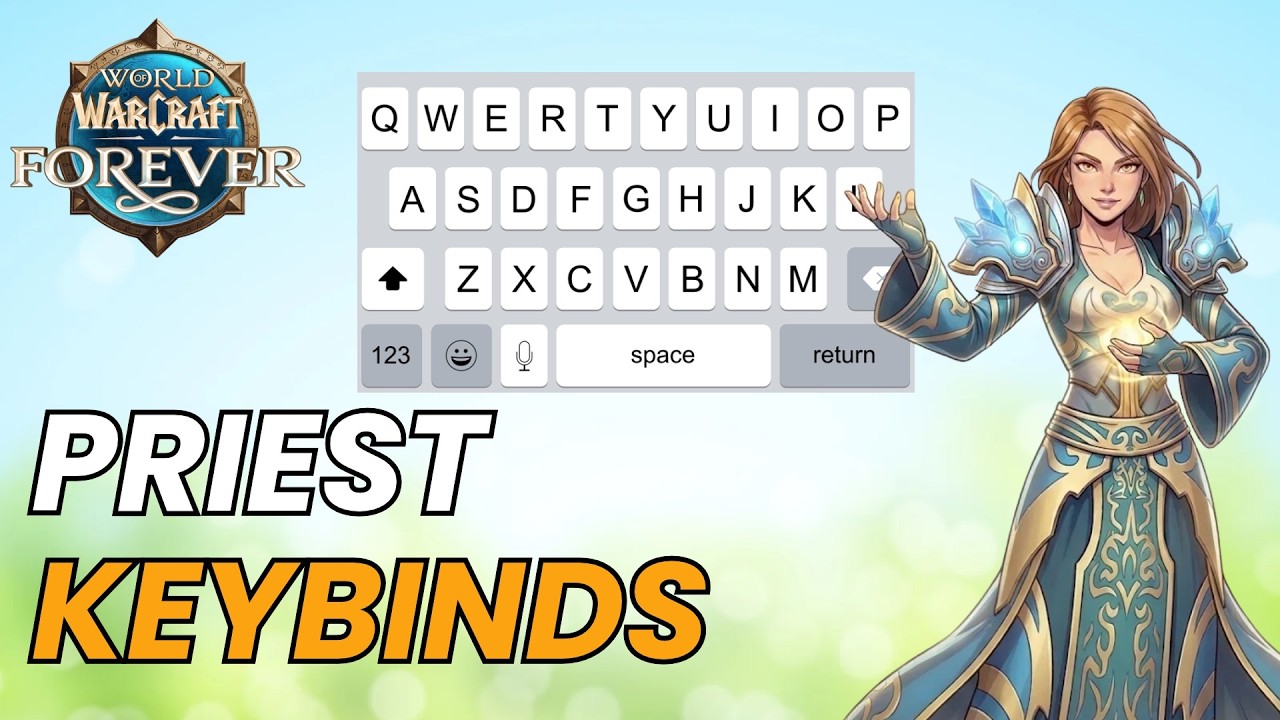
Set of key binds that I've been using for a very long time it is not always the same it kind of depends on the character but it revolves around the area unfortunately there's no keyboard in this game that I can like pop on the screen and show you guys but if you do look at your keyboard you're walking around with WASD right I don't even have strafe on a or d I have turned simply because I just used my mouse to do that for the most part so every most important spell that I would use has to be within like fingers reach away from WASD for me and I do have kind of split them into three sets you can't really see it because priest has a lot of actual spells so I don't have any breaks in between the spell clusters but I'm gonna try and show you guys so over here from
2:05Damage spells on 1-4
Number one to number four on my keyboard are the usual suspects aka damaging spells I'm not really even touching them when I'm healing they're just there and they're in the same cluster so to speak so number one is my wand I do want when I heal but that's really about it for the most part sometimes I would cast Shadow Word: Death but we'll get there there's my Shadow Word: Pain on two, Mind Blast three, Devouring Plague four that's typical everybody has that right and then I have my
2:32F1-F4: Power Word: Shield, Holy Fire, Inner Focus, Fade
Supportive spells so I have F1 F2 and F3 and F4 that's for Power Word: Shield Holy Fire, Inner Focus as the cooldown right and my Fade. Fade is actually still undecided where it's gonna be like sometimes I end up using it quite a few times during a dungeon sometimes there's completely optional so I don't know forever is just kind of wonky with all this stuff and then the next
2:53Healing cluster: Heal, Lesser Heal, Penance
Cluster is the actual healing cluster and it begins actually with number five number six I don't really use it that much it's just there it's like once every couple dungeons it's Prayer of Healing so like the aoe heal but it costs so much money it costs so long it's not really worth it but five is the heal and then actually my Lesser Heal is on f but here's the thing f is like right next to d and it's one of these buttons that should be usable a lot more often I'm just so used to having lesser heal on f right now that I don't want to move it for now but it's one of the coolest key points like usually I would have like a divine shield for example in here or some important panic button that doesn't have a massive cooldown and then I need to when I need to press it it needs to be right next to me right so that's where and that's why I use f I got r so also again right next to d and that's Penance Penance can be cast every 12 seconds and I usually end up casting it every 12 seconds so that's important that it's very close by and that's within the same cluster f and r are very close to each other so my Lesser Heal and Penance are right next to each other
4:02Panic buttons: Renew, Psychic Scream
Same goes with Renew I can go Renew is it q and I can go from a to q like they're right next to each other so I can do it almost immediately there's a panic button here Psychic Scream that's an e so I do have like those two panic buttons next to each other Renew is more of a panic button honestly than a heal it's like stuff is going down you're running away or like you I don't know want to heal someone while you're running away so you just cast Renew on them or on yourself right and then the same thing goes for a Psychic Scream if you're running away or doing something silly boom Psychic Scream it needs to be right next to me as I'm moving right then there's the key
4:39Flash Heal on T, Shadow Word: Death on V
Bind t which is my Flash Heal it's relative relatively close to my movement so WASD and it's a Flash Heal it casts quickly it's very nice and then is what that really ends the cluster of healing so to speak and then there's Shadow Word: Death which has its own separate key bind at v on the keyboard so the only thing that I can do is mess up and press c sometimes but that doesn't really happen I'm so used to pressing v v is always like my shutdown button it's either something like Shadow Word: Death or execute or something like that or some bigger emergency heal like Divine Grace and that's actually something I forgot to tell you about
5:24Divine Grace: 10 minute emergency heal
Earlier I also used shift plus t so t is Lesser Heal or Flash Heal and then there's also shift plus t and that's Divine Grace like an immediate panic button with a big cooldown because that actually has a 10 minute cooldown so I don't end up using it that often it can definitely be on a shift plus t uh key bind then I do have a cluster of dispel spells I'm gonna call them like utility
5:44Dispel keybinds: Cure Disease and Dispel Magic
Spells right next to each other and that's shift e for Cure Disease and Shift D for Dispel Magic I like having those right next to each other because in dungeons or in pvp situations you you want to have
6:00Buffs and switching action bars with Shift + mouse wheel
An easy access to dispelling things and then last but not least I do have buffs I have them on shift one in here and Shift 2 for Power Word: Fortitude but honestly for them like that's only for leveling I'm probably going to just move those buffs to my second bar completely like over here it's a regular key bind one and two just so you know when I have free time just switch the key bind bar buff the people like in the battleground or in the dungeon switch back to my regular bar if you don't if you don't know how to switch bars too quickly if you hold shift and you move your mouse wheel you're gonna switch your bars very useful but yeah for now I don't have enough spells to really mess around with that sometimes I would put potions like early game on Shift 1 but overall in the mid game they usually end up being buffs so that's my like skill key binds right nothing
6:56Trinket and mouse button keybinds
Else is really key bound there's also g and currently that is a trinket that's a trinket use but I don't really have great trinkets yet except for this one Greater Insignia of the Alliance that's very useful but yeah also five minute cooldown I do have two specific mouse mouse key binds so to speak so that depends on your mouse if you can if you can if you have the buttons for it I do recommend you keep on some emergency buttons together like I do have Will to Survive so which removes stuns on a button on my mouse and then right next to it I also have the greater in signal of the alliance also removing all movement impairing effects so that is something if I had to I don't know if I was using a regular mouse I'll probably move these two over here and move the buffs on another bar because like the buffs you use once in every hour or once every wipe right so yeah these are the key binds now the targeting is something that a lot of people
7:57Targeting keybinds: target self and party members
Have a problem with and they will go and target people just by clicking them which I do sometimes as well when the situation is easy to handle but I do have key binds for it specific key binds for it and you can set those up if you go to your options your key binds and then type in target you should find target nearest enemy which was default defaulted to tab target previous enemy that shift and tab control tab for friends control shift tab for friends and then there is below it there's target self and target party member one two three and four I have shift plus one for targeting self which just makes stuff really easy to handle at least that's that's what the way I've been playing that's the way I'm used to for years right now and then target with party member one is you know F2 shift plus F2, target party member two is shift plus F3 shift plus F4 shift sorry shift plus F5 easy as that um I do have I don't know some of you may I've heard this before that uh these are far away from each other but I don't know I don't have a problem of pressing shift plus F5 at all like they're not far away on my keyboard granted I I use a macbook I use a macbook pro the keyboard is small if you're using some bigger keyboard you might have a bigger problem with that so you're gonna have to adjust that but I do the point is I do have to targeting key binds right next to each other as well so that helps a lot and that's really about it unless I have missed something from key binding specifically let's check it out now I've told you guys about the g button so that's what we're using like specific stuff this Worgenbane Talisman like I was happy to get it because it restores mana but I did end up using the stun on it that's very fun let's go targeting
9:58Why I don't use mouseover macros
Of course showing nameplates all that stuff you know I don't do stuff with mouseovers either a lot of people say it makes it easy for them to heal which I can believe that like without having to click on somebody that's like one action less to take you just mouse over someone and you cast your spell there are also macros that help you do that there's just you know I never got into it I tried but I feel like it always over complicates things for me and call me a purist but I just like the way the game is designed and I always did I never had problems with using the interface over here it's just a matter of designing it for yourself properly now that we have this
10:38How to turn on raid-style party frames
Option it's very nice just make sure to use raid frames by the way that's maybe something that you guys don't know about if you go to your options you type in raid should be here no wait I think maybe it's in edit mode if we go to manage party frames yeah if you click on party frames toggle use raid style party frames that's a lot better than the regular frames because the regular frames don't really tell you anything they're very on I don't know they're like I don't want to say the word it's better to use raid style party frames in my opinion
11:13Class colors on party frames
And then go to your options let's exit and type in class colors or just class and you'll say display class colors if you toggle that you're gonna have party frames that have different colors on the names and it's it's basically a raid just color coded so the paladins are gonna be pink the shamans are gonna be um darker blue the priests are gonna be white the warlocks are gonna be I think they're purple and the rogues are gonna be yellow you know this sort of thing it's very easy for you to understand then who what class is doing what like if you see a warlock that's lower health you do not panic hey because hey it's a warlock you can immediately see that it helps a lot really and it saves a lot of space too it's just really cool you could also go for displaying buffs wait show debuffs um but there are plenty of addons that will also tell you to like dispel things and all that so they're just that according to whatever you like to do one last
12:18Show numbers for cooldowns
Thing displaying count numbers like cooldown numbers instead of just I'm gonna use the cooldown spell I'm gonna use Power Word: Shield so I have a countdown going four three two one on it and that's without any addons you can do that directly in the game now let me let me remember where where is that um countdown no cooldown let's go show numbers on on cooldowns show numbers for cooldowns rather that's really useful because you can still see the clock imitation thing going but you do have an actual number so you can count down okay I'm gonna be able to cast Penance within the next two seconds at school I just have to like I can cast a shield in the meantime for example you know my global cooldown will come down just as well alongside the Penance for example it just helps
13:08Healing without addons: my healer experience
It's very useful to do so yeah if you're planning to heal and you're afraid okay you need the billion addons and like configure a billion different setups I don't think you do I never did and I healed raids I've been playing healers since Mists of Pandaria like I had a monk that was a healer then I did stop a little bit during Warlords like at the last patch and I switched to Windwalker and then I played a couple different characters over Legion but healing was always there like I did heal Legion raids I did heal I didn't heal BfA, I was tanking with death knight so that was a break but in Shadowlands I also came back to healing and I was playing a Holy priest actually so I do have some experience with it for sure and I never felt the need to use any extreme addons some people will be iffy on you not using addons but that's more likely to happen on like hardcore mode or something like that where the stakes are a little bit higher like here if your party wipes or whatever you're just gonna have to repair that's it nobody really cares so I hope that helps a
14:14Tip: group your keybinds into clusters
Little bit just I suggest grouping your keybinds into clusters so that you have similar types of spells that you need next to each other or things that you react with close to your WASD and things that you know are not necessarily usable all the time have them somewhere else on other keybinds some of this stuff I'll still click like I never use I never press F6 it's there for Inner Fire for example but you don't really need to keybind it like just press it whatever you don't use it in any situation that requires you to keybind it so yeah that's it and let me know in the comments what addons are you guys maybe trying out or have you try it out because I did type in the curse forge like heal and I got a whole lot of them and I started reading them and just felt like a headache like there's like just readjusting to using such an addon after so much time would be very I don't know weird for me so yeah thank you so much for watching I'll see you in the next one

 10:08